AI-Supercharged Bluebeam Max - The Biggest Upgrade to Bluebeam Revu in Years
If you've been keeping an eye on what's happening in construction technology (and even if you haven't), you know, and everyone knows, AI has been stepping into nearly every industry, small or large, it doesn't matter. The AEC industry is no exception. But we have seen enough flashy demos and exaggerated promises. What AEC teams actually needed are tools that catch real problems and do all the heavy lifting for them.
That's exactly what Bluebeam Max is built to do.
There is no better name for it than Max. What the new Revu feels like today is not just MAX but INFINITE, with a never-ending horizon to test and experience new ways of Bluebeaming. But there is always room for improvement. So let’s agree with the name Max for now.
Max is the new premium tier for Bluebeam Revu, and it's a meaningful step forward. At £490 per user per year, Max builds on everything teams already rely on in Bluebeam Complete and adds six AI-powered capabilities that enhance (in fact Change) the way Bluebeamers work.
We know how the Industrial Revolution changed the world forever. It was one of the most recent, completed changes we have known so far. What the existing generations are seeing right now is an AI revolution. It has just started, and we are yet to see where it goes (where it ends? We still doubt if it does).
Bluebeam is following the right trajectory at the right moment. Their incredible team of researchers and developers didn’t hand over just new features in a new packaging. They actually introduced New, Amazing Capabilities in Max. The capabilities we don’t yet know how deep they are or how far they will go in the future, as AI models keep getting better with each passing month.
People who have started using Max are already asking: Was it that easy and simple all along? Specifically, the Claude AI integration in Revu has amazed every Bluebeamer we've spoken with so far. No one was ready for what’s coming their way. Now it’s here, no one fully knows either, and there's still a lot of space to learn and experience with AI in the built environment.
This writing will help you discover all the new features introduced in Bluebeam Max that make it the Most Powerful Revu Ever Built. Read the blog to discover all the new features in detail and decide if you are ready to take a ride to the MAX.
Bluebeam Max - All New Features and Capabilities
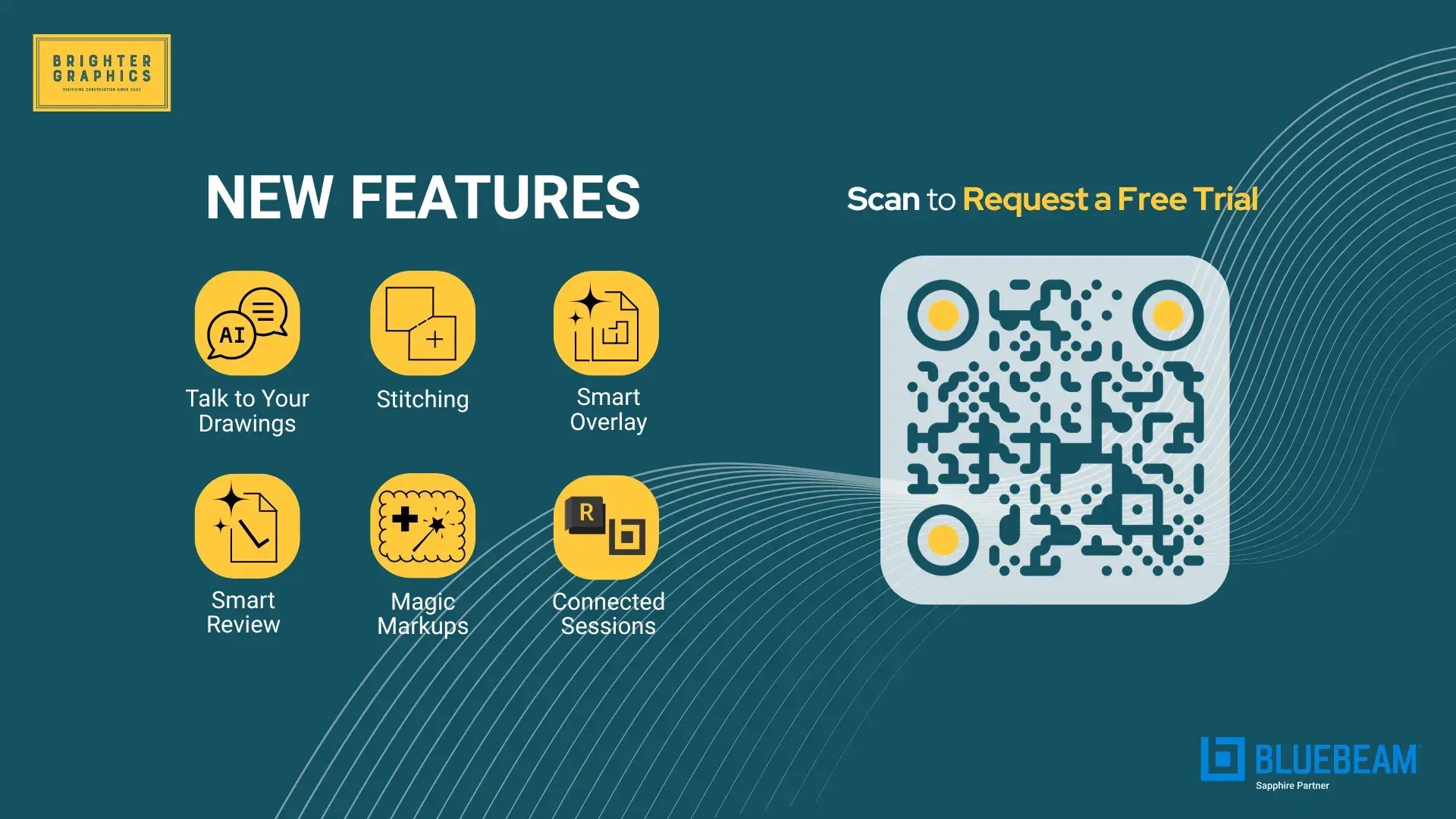
The headline feature of the new Bluebeam Max is the Claude AI integration, which lets you talk to your drawings. Other than that, 5 more features have been introduced in the new product to help you work smarter and faster.
All the new Max features include:
- Claude AI for Revu
- Smart Review
- Smart Overlay
- Stitching
- Magic Markups
- Connected Sessions
Let’s discuss each of these one by one.
Claude AI integration via Model Context Protocol (MCP)
Claude AI in Revu is the most significant change in how you actually interact with your documents. Rather than clicking through menus, searching for markups, comments, or keywords inside Markups List, or applying changes one annotation at a time, you just type or speak what you need, and the AI carries it out.
The underlying technology is Anthropic's MCP (Model Context Protocol), a standardised way for AI models to connect to external tools and data sources. What that means in practice is that the AI isn't just reading your documents; it has direct, structured access to your Markup List, PDF content, workflow states, and project data. It can query them, reason about them, and act on them.
All you have to do is connect Revu with Claude and start interacting with your PDFs and project data in real time with natural language commands.
For instance, you could ask it to find every markup flagged as "unresolved" across a set of drawings and bulk-update their status, or tell it to extract all comments from a specific discipline's sheets and compile them into a report, or instruct it to identify all door hardware callouts on a floor plan and cross-reference them against a spec sheet.
For even more extensive jobs, like estimating and takeoffs, AI will handle all the repetitive tasks and complex calculations in no time. Give Claude the right prompt, adjust the results with follow-up prompts, and generate a report or dashboard, and you are good to go. No need to create custom columns or bring your calculations to Excel; you can just ask Claude to do it for you.
4 Must-Know Claude Prompts You Must Try with Bluebeam Max
Now you know how tasks that would previously take an afternoon of manual navigation can be handled in a single instruction in Max with Claude.
The MCP framework also means this capability isn't locked to one AI tool. Once other platforms, Microsoft Copilot, OpenAI's ChatGPT, and Google Gemini start adding MCP support, you will be able to connect Revu to these AI models in exactly the same way as Claude.
The sky is the limit. The investment you put in how your project data is structured, tagged, and processed today will pay dividends as the AI infrastructure around it continues to mature.
To give you an idea, we did a quantity and cost estimate in Revu using Claude. Watch the tutorial below to see how simple and efficient it is.
A Must-Know Claude Prompt for Quantity and Cost Estimate in Bluebeam Max
Smart Review
Smart Review is an automated quality assurance layer that sits across your construction document set and does the kind of cross-referencing that human reviewers do inconsistently, slowly, and expensively at scale.
Smart Review - Review Your Drawings for Errors and Discrepancies Using AI in Bluebeam Max
When you run Smart Review on a batch of documents, it looks for three main problem areas.
- Design Conflicts: Drawing regions where information in one drawing contradicts information in another. For example, a structural element that clashes with an MEP route, or a dimension on a plan that doesn't reconcile with an elevation.
- Scope gaps: Areas where something appears to be missing or insufficiently specified. For instance, a detail reference that points nowhere, a room that appears on a floor plan but not a finish schedule.
- Drawing discrepancies: inconsistencies in how information is represented across sheets, such as a door tagged differently on the plan versus the door schedule, or a grid line that shifts between phases.
When you run Smart Review in a batch, it doesn't just find these issues and log them in a report. It creates AI-generated markups directly on the affected sheets and populates a trackable dashboard, so your QA workflow can proceed from a live, actionable list rather than a static document. Issues can be assigned, progressed through your review states, and resolved in the normal Revu workflow.
The Smart Results page on the Bluebeam web (log in with the same Bluebeam ID and password) will display all your Smart Review results.
Note: Smart Review is currently optimised for US-standard vertical commercial construction. Teams working to UK or European standards, or on civil, infrastructure, or industrial projects, can stay in touch with us, and we will let you know once the regional support is included.
Smart Overlay
Every project reaches a point where you need to compare two versions of a drawing:
- The issued-for-construction set against the latest revision
- Last month's architectural drawings against this month's
- Your drawings against the structural engineer's, and so on.
Doing this manually means opening both files side by side, mentally registering them to the same grid, and scanning for differences. It's slow, it's error-prone, and on a busy set, it's almost impossible to be confident you've caught everything.
Smart Overlay - New AI-Powered Feature in Bluebeam Max for Smart Drawing Version Comparison
Smart Overlay automates this entirely. You point it at two drawing sets, and it handles the geometric alignment automatically. The output is a visual overlay in which additions, deletions, and modifications are colour-coded, making differences immediately visible without any manual interpretation required. You can step through the changes, review them in context on the actual drawing geometry, and export an overlay PDF for the project record.
The scale-handling is worth calling out specifically. On large projects, it's common for drawings to be produced and issued at slightly different scales across phases or between consultants. Smart Overlay accounts for this without requiring manual rescaling, which removes one of the most common sources of error in traditional overlay comparison.
The Smart Results page on Bluebeam web (log-in required with the same Bluebeam ID and password) will display all your Smart Overlay results.
Stitching
On large linear or extensive projects, drawings are inevitably broken into sheet-sized pieces. Navigating between them means constantly switching files, re-orienting yourself, and mentally mapping the overall picture. Stitching removes that friction entirely.
The stitching leverages AI to analyse the geometry and content of individual drawing sheets and determines how they connect, matching grid lines, shared geometry, and spatial relationships across sheet boundaries. The result is a single, continuous, scrollable canvas where all the sheets sit in their correct relative positions, giving you an eagle-eye view of your project. You can navigate a 1,000-metre corridor from end to end, or scan a full floor plate spread across 20 sheets, without ever switching files.
This is particularly useful during site walkthroughs, design reviews, and coordination meetings where your AEC teams need to move fluidly across the project without the cognitive overhead of file management. It also makes quantity takeoffs across a large, continuous drawing significantly more straightforward, since you're working from a unified view rather than accumulating measurements across separate sheets.
Magic Markups
Magic Markups brings three CAD-derived tools into Revu's annotation environment that professional estimators and quantity surveyors will recognise immediately.
- Duplicate as lets you copy a markup and simultaneously convert it into a different markup type, so you can take a measurement or shape from one context and reuse it with a different classification without having to redraw it.
- Convert to changes the type of an existing markup while preserving its geometry and scale. If you've drawn a linear measurement and realise it should be classified as a different element in your take-off, you convert it rather than delete and redraw.
- Offset creates a new markup at a specified parallel distance from an existing one, the standard way in CAD to quickly generate setback lines, clearance zones, or offset boundaries from a reference geometry. In a take-off context, this is the kind of operation that gets performed dozens of times across a drawing set, and having it in a native Revu environment rather than a workaround saves significant time.
These three new markup capabilities close the gap between what professional estimators expect from a CAD or measurement environment and what's been available natively in Revu.
Connected Studio Sessions with Revit
The coordination problem between 2D construction documents and 3D BIM models is a persistent source of friction in design-build projects. Design teams work in Revit; site teams and contractors work in Revu. Comments are added in one environment, decisions are made in another, and keeping them in sync typically requires someone to manually transfer information between systems.
Connected Studio Sessions links these two environments directly. Markups added in Revu are georeferenced to their corresponding locations in the Revit model, so when a reviewer flags an issue on a drawing sheet, that flag is spatially anchored to the relevant element in the 3D model. Design teams working in Revit can see exactly where the comment sits in the model context; site teams in Revu can see the markup in the flat drawing context they're already working in. Both groups are looking at the same underlying information, just through their preferred, familiar cockpit.
Access is genuinely open, so collaborators can join sessions from the web browser, iOS, Android, or Revu desktop without needing an additional licence. For contractors or subcontractors who need to participate in reviews without a full Revu subscription, this removes a barrier that has historically made true model-linked collaboration difficult to roll out at scale.
Bluebeam Max - Not Just a Tool but Your AI-Powered Assistant
Bluebeam Max has already changed the way estimators, architects, engineers, and contractors used to work in Revu. With further adaptation and over time, teams will start having conversations about automation that were not even on their minds in 2025.
Especially, the vast open playground with MCP integration (Claude at the moment), there is much more yet to be discovered.
- What can be done with fewer resources?
- What are the smartest ways to do the job?
- What tasks can I delegate to Claude?
- What are the most effective prompts to get the most out of the new environment?
These are the questions people are now asking, and they will open new horizons for the AEC teams in the AI-first world.
If your team is already on Bluebeam Complete (£365/user/year), the question is really this: where is your biggest bottleneck? If it's review capacity or you want to use Bluebeam of the future, the £125/user/year difference buys you an AI layer that opens new ways of Bluebeaming for you, a plan that actively participates in the process rather than just supporting it.
There's a 14-day free trial with full access to all six features, and no credit card is needed to get started. Explore Bluebeam Max today, and we'd love to help you figure out whether Max is the right fit or talk through upgrade paths and multi-user licensing.
We have already started producing video tutorials and guides to help you get started with the new product. We will continue to assist you as we discover new capabilities. As we said repeatedly (with confidence), the horizon of new capabilities (not mere features) is so vast this time that the industry has yet to see and experience where it goes and how it impacts the traditional use of Bluebeam. We are experiencing it too, and also simplifying it for you.
The teams getting ahead on AI right now are the ones who won't be just catching up in 2027; they will be ready for the future that’s gonna change every industry, and the AEC industry is at the heart of this change.
Request a free trial to get your hands on Max and experience all the AI features that will change the way you use Revu.



 Brighter Graphics : Oct 14, 2026, 11:14:46 AM